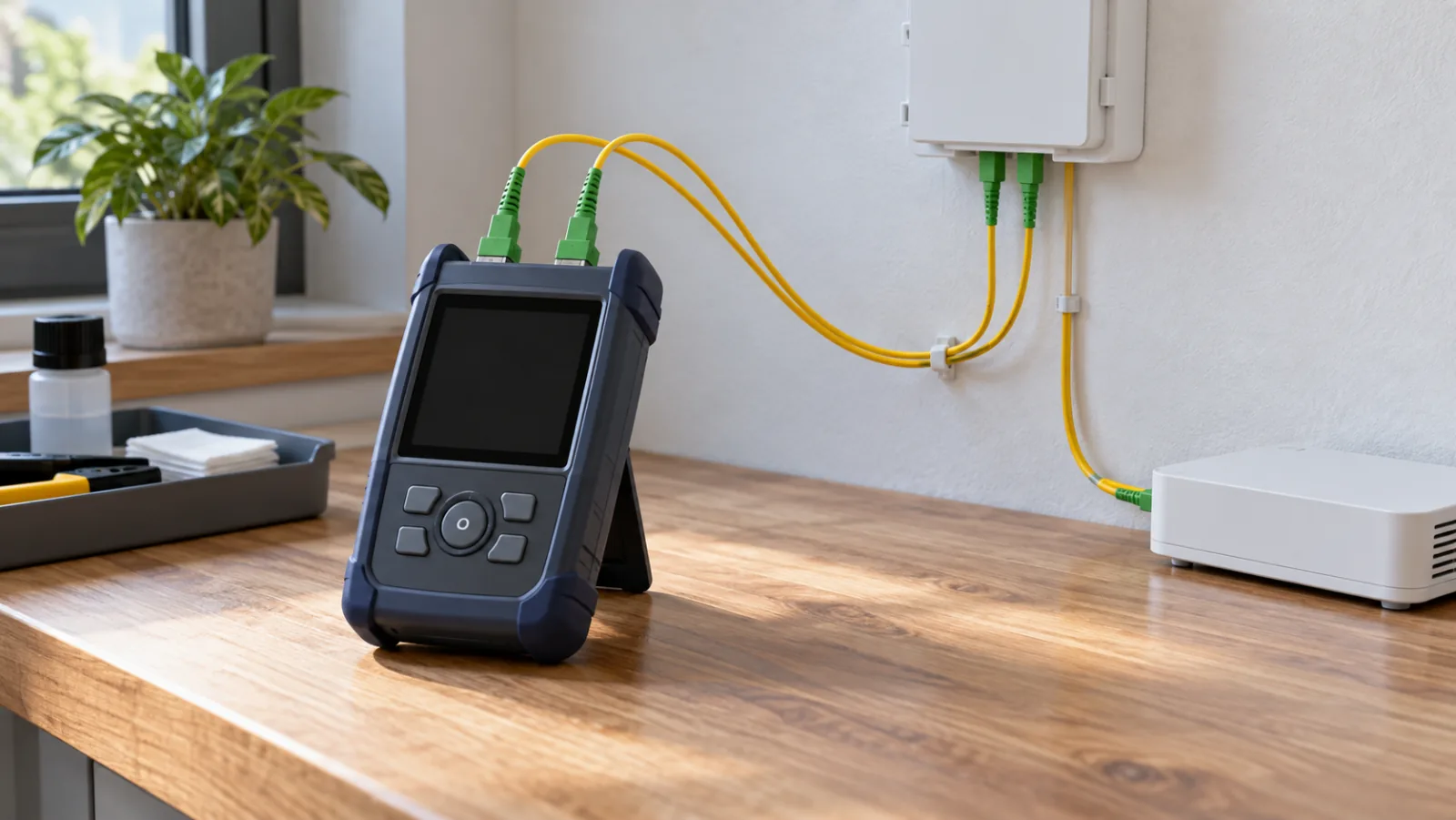
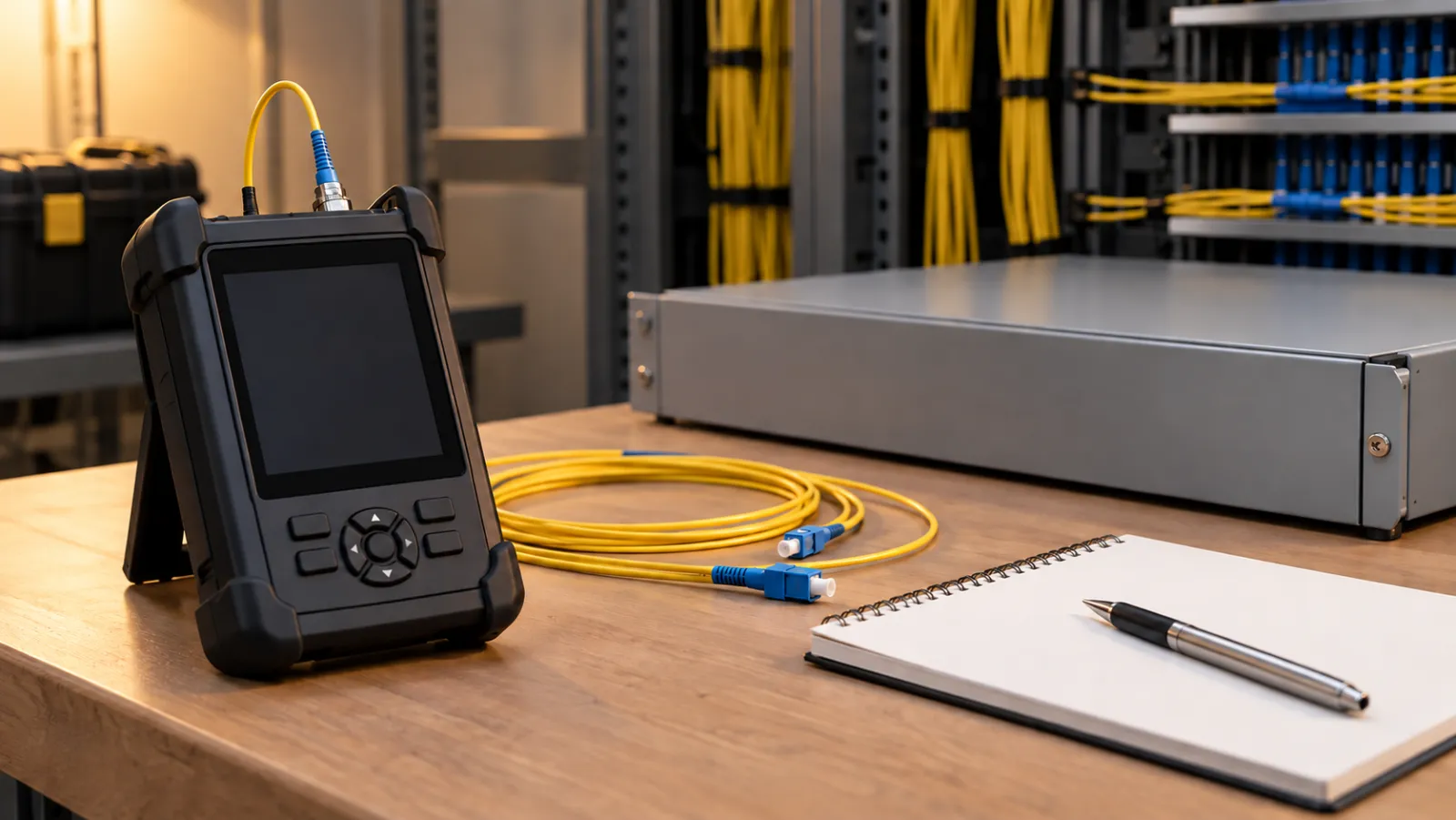
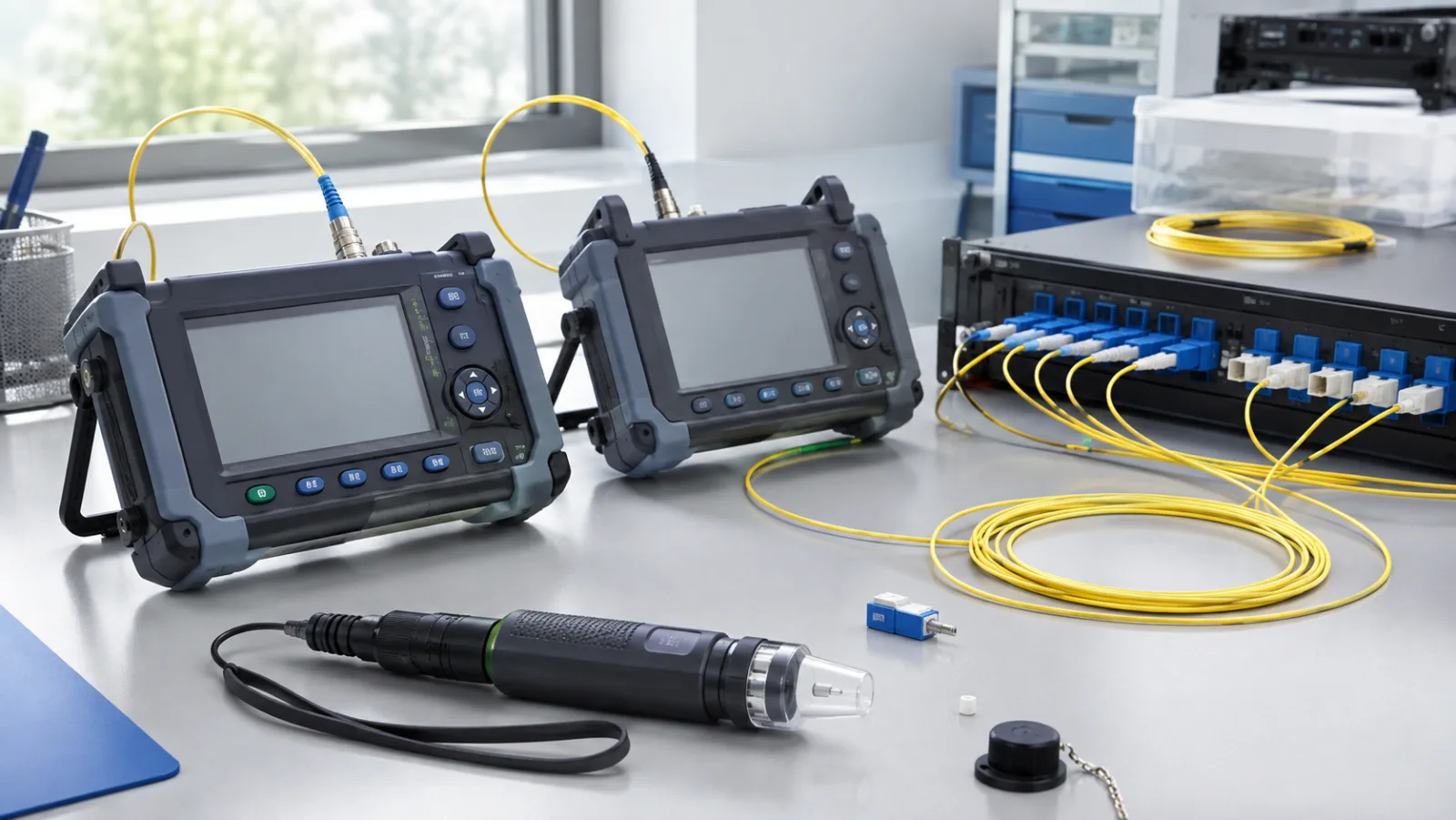
A simplex fiber patch cord contains one fiber; a duplex patch cord contains two. These terms describe the cable assembly, not a guarantee of one-way or two-way communication. Conventional two-fiber optics use separate transmit and receive fibers, while matched single-fiber BiDi transceivers can transmit and receive simultaneously at different wavelengths over a simplex cord. Choose the cord to match the optical interfaces at both ends.
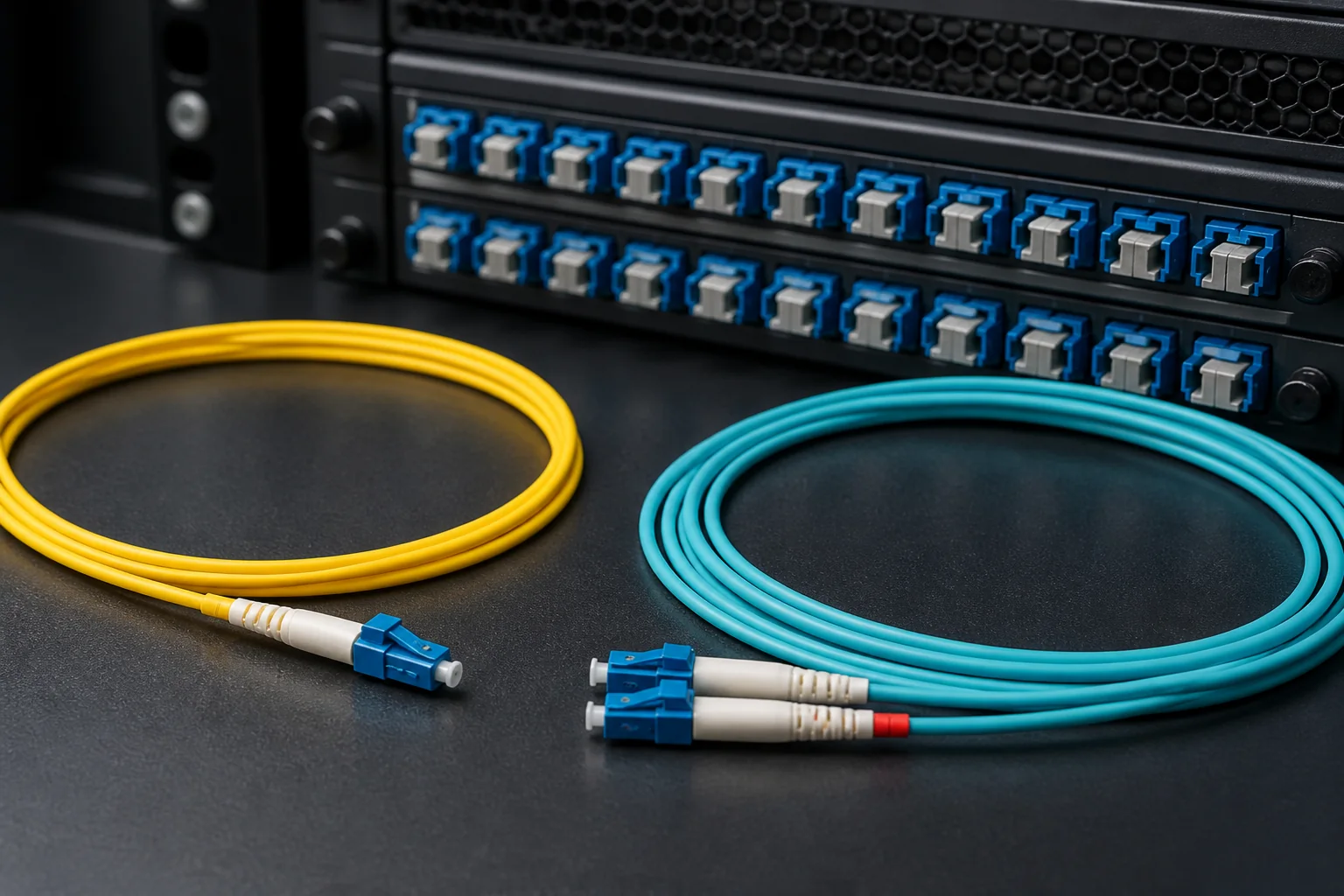
Precise Definitions: What Makes a Patch Cord Simplex or Duplex?
Understanding the terminology starts with the fiber count and connector configuration.
Simplex Fiber Patch Cord
A simplex patch cord has one optical fiber and a connector at each end. It can serve a one-way optical path or a matched single-fiber BiDi link; the transceivers and wavelength plan determine transmission direction.
Duplex Fiber Patch Cord
A duplex fiber patch cord contains two fibers, usually joined together with a zipcord or fan-out construction, and terminated with two connectors on each end. The connectors are often keyed or color-coded to distinguish the transmit (TX) and receive (RX) fibers. For example, LC duplex connectors have a duplex clip that holds two LC connectors together, ensuring proper orientation. Duplex cords support full-duplex communication, where data is sent and received simultaneously over two separate fibers.
When Does the Simplex vs Duplex Decision Matter?
The choice between simplex and duplex patch cords is not arbitrary; it is dictated by the transceiver type and the network architecture. Here are the key scenarios where the decision is critical:
- Standard Ethernet and Fibre Channel: Most optical transceivers (e.g., SFP, SFP+, QSFP) use separate transmit and receive fibers, requiring a duplex connection. Using a simplex cord in these links will result in no connectivity because the transceiver expects two fibers.
- Single-Fiber Bidirectional (BiDi) Transceivers: BiDi modules use wavelength division multiplexing (WDM) to send and receive over a single fiber, using different wavelengths (e.g., 1310 nm and 1550 nm). These transceivers have a single port and require a simplex patch cord.
- Analog and Broadcast Applications: Systems like cable TV (CATV) and some distributed antenna systems (DAS) often use simplex links because the signal is broadcast in one direction.
- PON (Passive Optical Networks): In fiber-to-the-home (FTTH) networks, the optical network terminal (ONT) uses a single fiber for both downstream and upstream, but with different wavelengths. This requires a simplex cord at the subscriber side.
If you are designing a new link, always check the transceiver datasheet to see whether it has one or two optical ports. This will immediately tell you which patch cord type is required.
Core Technical Differences: Fiber Count, Connectors, and Polarity
Beyond the obvious difference in fiber count, there are several technical aspects that set simplex and duplex patch cords apart.
Fiber Count and Construction
Simplex cords have one fiber, while duplex cords have two. The construction of duplex cords often uses a zipcord design, where the two fibers are joined side by side, making them easy to pull and manage. Simplex cords are typically round and more flexible. The fiber type (single-mode or multimode) can be the same for both, but the number of fibers is the fundamental difference.
Connector Types and Orientation
Connectors for simplex cords are single, while duplex cords use paired connectors. For LC connectors, duplex is achieved with a clip that holds two LC connectors together, ensuring the correct orientation of TX and RX. For SC connectors, duplex versions are often molded as a single unit. In duplex systems, polarity—the correct alignment of transmit and receive fibers—is critical. Standards such as TIA-568 define polarity methods (A, B, C) for duplex connections in structured cabling. These standards specify how the fibers are mapped between the two ends to ensure that a transmitter on one end connects to a receiver on the other. Simplex cords do not have polarity concerns because there is only one fiber.
Transmission Direction and Bandwidth
A two-fiber 10 Gbps link can carry 10 Gbps in each direction, using separate fibers. A compatible single-fiber 10 Gbps BiDi pair can also carry 10 Gbps in each direction using different wavelengths. Fiber count alone therefore does not establish throughput or duplex capability.
Standards and Compliance
While there is no single standard that mandates simplex or duplex, industry standards like TIA-568 and ISO/IEC 11801 define cabling topologies and polarity for duplex systems. For single-fiber applications, standards like ITU-T G.984 (for GPON) specify the use of simplex connections. It is important to follow the relevant standards for your application to ensure interoperability and performance.
Summary: Making the Right Choice
In summary, the decision between simplex and duplex fiber patch cords is determined by the transceiver and the communication mode. If your equipment has separate TX and RX ports, use a duplex cord. If it has a single port that handles both directions via wavelength multiplexing, use a simplex cord. Always verify the transceiver specifications and consult the applicable standards to ensure a reliable and compliant installation.
Side-by-Side Comparison: Simplex vs Duplex Fiber Patch Cord
When you are deciding between a simplex and a duplex fiber patch cord, a structured comparison helps clarify the trade-offs. The table below summarizes the key differences at a glance. Note that the values listed are typical engineering parameters, not normative requirements unless stated otherwise.
| Attribute | Simplex Patch Cord | Duplex Patch Cord |
|---|---|---|
| Fiber count | 1 | 2 |
| Connector types | Single connector on each end (e.g., LC, SC, ST) | Two connectors on each end, often clipped together (e.g., duplex LC, duplex SC) |
| Transmission direction | One-way or bidirectional with compatible single-fiber optics | Bidirectional (two fibers, one for transmit and one for receive) |
| Common applications | Single-fiber bidirectional (BiDi) optics, patch panels, test equipment | Standard transceivers (e.g., SFP, SFP+), Ethernet, Fibre Channel |
| Polarity management | Not applicable (single fiber) | Requires proper A-to-B orientation to ensure Tx/Rx alignment |
| Bandwidth potential | Limited by single fiber, but can support high rates with BiDi optics | Full duplex operation, supports simultaneous transmit and receive |
| Typical cable diameter | Thinner (e.g., 2.0 mm or 1.6 mm) | Thicker (e.g., 2.0 mm zipcord or 3.0 mm round) |
This table reflects common practice. Always verify the specific requirements of your equipment and cabling standards before making a final selection.
Decision Criteria: How to Choose Between Simplex and Duplex
To decide whether a simplex or duplex fiber patch cord is right for your network, evaluate the following factors in order.
1. Check Your Transceiver Type
The most decisive factor is the optical interface. If your transceiver uses a single fiber for both transmit and receive (BiDi or single-fiber bidirectional), you need a simplex patch cord. If it has separate transmit and receive ports, you need a duplex patch cord. Consult the transceiver datasheet; it will specify the connector type and whether it is simplex or duplex.
2. Consider the Direction of Data Flow
For simultaneous two-way communication, use either compatible two-fiber optics with a duplex cord or a matched single-fiber BiDi pair with a simplex cord. Verify complementary transmit/receive wavelengths, connector type and optical budget.
3. Evaluate Polarity Requirements
Duplex systems require careful polarity management to ensure that the transmit of one end connects to the receive of the other. This is typically handled by the connector keying (A/B) and cable cross-over. Simplex systems eliminate this complexity because there is only one fiber. If you want to avoid polarity issues, simplex may be simpler, but only if your equipment supports it.
4. Assess Future Flexibility
Duplex patch cords are more common and can be used with a wider range of standard equipment. Simplex cords are more specialized. If you anticipate changing transceivers or upgrading, duplex might offer more flexibility. However, if you are deploying BiDi optics, simplex is the only option.
Worked Example: Selecting a Patch Cord for a Server-to-Switch Link
Let’s walk through a typical scenario. You are connecting a server to a top-of-rack switch using 10GBASE-SR optics. The transceivers have two LC connectors: one for transmit, one for receive. Therefore, you need a duplex fiber patch cord.
You check the switch and server ports: both are LC duplex. You also note that the cable run is 50 meters, so you choose OM3 multimode fiber, which supports 10GBASE-SR up to 300 meters (per IEEE 802.3ae). You select a duplex LC-to-LC patch cord with a polarity type A (straight-through) because your transceivers are standard and you are using a simple point-to-point link without patch panels. If you were using a patch panel, you might need polarity type B (cross-over) to maintain correct Tx/Rx alignment.
This example illustrates the key steps: identify the transceiver type, determine the fiber mode, and verify polarity. Always refer to the cabling standards (e.g., TIA-568) for polarity guidelines in structured cabling.
Selection Guidance: Best Practices for Your Network
To summarize, here are actionable guidelines for choosing between simplex and duplex fiber patch cords.
- Use simplex when: Your equipment has a single-fiber BiDi port, or you are building a unidirectional link (e.g., broadcast video). Simplex is also useful for test equipment where you need to inject a signal on one fiber.
- Use duplex when: Your transceivers have separate Tx and Rx ports, which covers the vast majority of enterprise networking, data centers, and telecom applications.
- Check connector compatibility: Ensure the connector type (LC, SC, etc.) matches your equipment. Duplex LC connectors are the most common for SFP/SFP+ modules.
- Plan for polarity: In duplex systems, label your patch cords and use proper polarity management to avoid signal inversion. Simplex systems require no such planning.
- Consider cable management: Simplex cords are thinner and easier to route in tight spaces, but you may need two of them for a duplex link. Duplex cords combine two fibers in one jacket, reducing cable clutter.
By applying these criteria, you can confidently choose the right patch cord for your application. Remember, the primary keyword simplex vs duplex fiber patch cord is not just about the cable; it’s about matching the cable to your optical system’s architecture.
Installation and Testing Implications
Choosing between a simplex and a duplex fiber patch cord affects more than the physical link—it influences how you install, test, and troubleshoot your network. Here’s what to expect on the job.
Cable Routing and Strain Relief
Simplex cords are thinner and more flexible, making them easier to route through tight conduits or patch panels. Duplex cords, with two fibers bonded side by side, are stiffer and require larger bend radii. Always respect the manufacturer’s minimum bend radius—typically around 10 times the cable diameter for non-bend-insensitive fibers—to avoid micro-bends that increase attenuation.
Testing with a Light Source and Power Meter
When testing a simplex link, you test one fiber at a time, which is straightforward. For duplex links, you must test both fibers, often using a dual-wavelength light source and power meter. Many test sets support bidirectional testing, but you’ll need to swap the launch and receive cables to verify both directions. This doubles the test time compared to simplex.
Polarity and Connector Cleaning
Duplex systems require strict polarity management—ensuring the transmit at one end aligns with the receive at the other. A simple mistake in polarity can cause a link to fail even if the fiber is perfect. Simplex links are less prone to polarity errors because they use a single fiber, but you still need to match the correct connector type (e.g., SC, LC) and polish (UPC vs. APC).
Cleaning is critical for both types. Dirty connectors are a leading cause of insertion loss and back reflection. Use a one-click cleaner or lint-free wipes with isopropyl alcohol, and always inspect with a fiber microscope before mating.
Common Mistakes and How to Avoid Them
Even experienced technicians can trip up on simplex vs duplex fiber patch cord selection. Here are the most frequent pitfalls.
Mismatched Connector Count
Using a simplex cord where a duplex is required—or vice versa—is the most obvious error. Always check the transceiver’s port count. A BiDi SFP uses one port, so a simplex cord is correct. A standard SFP or SFP+ uses two ports, so you need a duplex cord.
Ignoring Polarity in Duplex Links
In duplex systems, the transmit (Tx) of one device must connect to the receive (Rx) of the other. If you use a straight-through patch cord (A-to-B) when a crossover cord (A-to-A) is needed—or vice versa—the link will fail. Always verify the polarity scheme of your network (e.g., TIA-568 or proprietary) before purchasing.
Overlooking Connector Polish and Type
Mixing UPC and APC connectors can damage the ferrule and cause high insertion loss. APC connectors have an angled polish (typically 8°) and are color-coded green, while UPC connectors are blue. They are not compatible. Also, ensure the connector type (SC, LC, ST) matches your equipment—LC is common in modern data centers, SC in enterprise networks.
Assuming Fiber Mode Is Universal
Simplex and duplex cords come in both single-mode and multimode versions. Using a single-mode cord with a multimode transceiver will not work, and vice versa. Check the transceiver’s wavelength and fiber type—850 nm for multimode, 1310/1550 nm for single-mode.
Buyer Checklist for Simplex vs Duplex Fiber Patch Cords
Before you order, run through this checklist to avoid costly rework.
- Determine the number of fibers required: One fiber for simplex (e.g., BiDi optics), two for duplex (standard optics).
- Identify the transceiver type: Check the SFP/SFP+ datasheet for port count and fiber mode.
- Match connector type and polish: LC, SC, ST; UPC or APC. Ensure they match your patch panel and equipment.
- Verify polarity: For duplex, know whether you need A-to-B (straight) or A-to-A (crossover).
- Choose the correct fiber mode: Single-mode (OS2) for long distances, multimode (OM3/OM4) for short runs.
- Consider cable length: Measure the actual path, including slack and service loops. Add 10–20% extra.
- Check bend radius and jacket rating: For plenum or riser spaces, use appropriate fire-rated jackets (e.g., OFNP, OFNR).
- Test after installation: Use an OTDR or light source/power meter to verify insertion loss and return loss.
Practical Recommendation and Conclusion
In most enterprise and data center environments, duplex fiber patch cords are the default choice because they support standard transceivers and allow for future upgrades to parallel optics if needed. However, simplex cords are indispensable for BiDi transceivers, which double capacity over a single fiber—a cost-effective solution for fiber exhaustion.
For new installations, standardize on duplex LC cords with UPC polish for multimode and APC for single-mode, unless your equipment explicitly requires simplex. Always label your cords clearly and document polarity to simplify troubleshooting.
Ultimately, the simplex vs duplex fiber patch cord decision hinges on your transceiver type and data flow direction. By understanding the physical differences, testing implications, and common pitfalls, you can make a choice that ensures reliable, high-performance connectivity. When in doubt, consult your transceiver’s datasheet or your network architect—getting it right the first time saves hours of downtime.
Frequently Asked Questions
What is a simplex fiber patch cord?
A simplex fiber patch cord consists of a single optical fiber with a connector on each end, used for bidirectional transmission over one fiber or for unidirectional links.
What is a duplex fiber patch cord?
A duplex fiber patch cord contains two fibers side by side, typically with duplex connectors like LC or SC, enabling simultaneous transmit and receive over two separate fibers.
When should I use a simplex fiber patch cord?
Use simplex patch cords for applications that require only one fiber, such as connecting a single-fiber bidirectional (BiDi) transceiver, or for unidirectional data links like cable TV or some sensor systems.
When should I use a duplex fiber patch cord?
Use duplex patch cords for standard Ethernet networks (e.g., 1G, 10G, 25G, 100G) that use separate transmit and receive fibers, or for any application with duplex transceivers.
Can I use a simplex patch cord in place of a duplex one?
A single fiber cannot replace the two separate optical paths required by a conventional duplex transceiver pair. However, a matched single-fiber BiDi pair can provide simultaneous two-way communication over a simplex cord. The interface determines which assembly is required.
What are the common connector types for simplex and duplex patch cords?
Common connectors include LC, SC, ST, and FC. Simplex cords use single connectors, while duplex cords use duplex clips that pair two connectors for proper orientation.
How do I identify whether a patch cord is simplex or duplex?
Check the number of fibers and connectors: simplex has one connector per end, duplex has two connectors per end. Duplex connectors are often clipped together and labeled A/B or Tx/Rx.
Complete topic guide: Fiber Optic Patch Cord Guide: Types and Selection.
Fact-check references (4 September 2026): BIDI source.